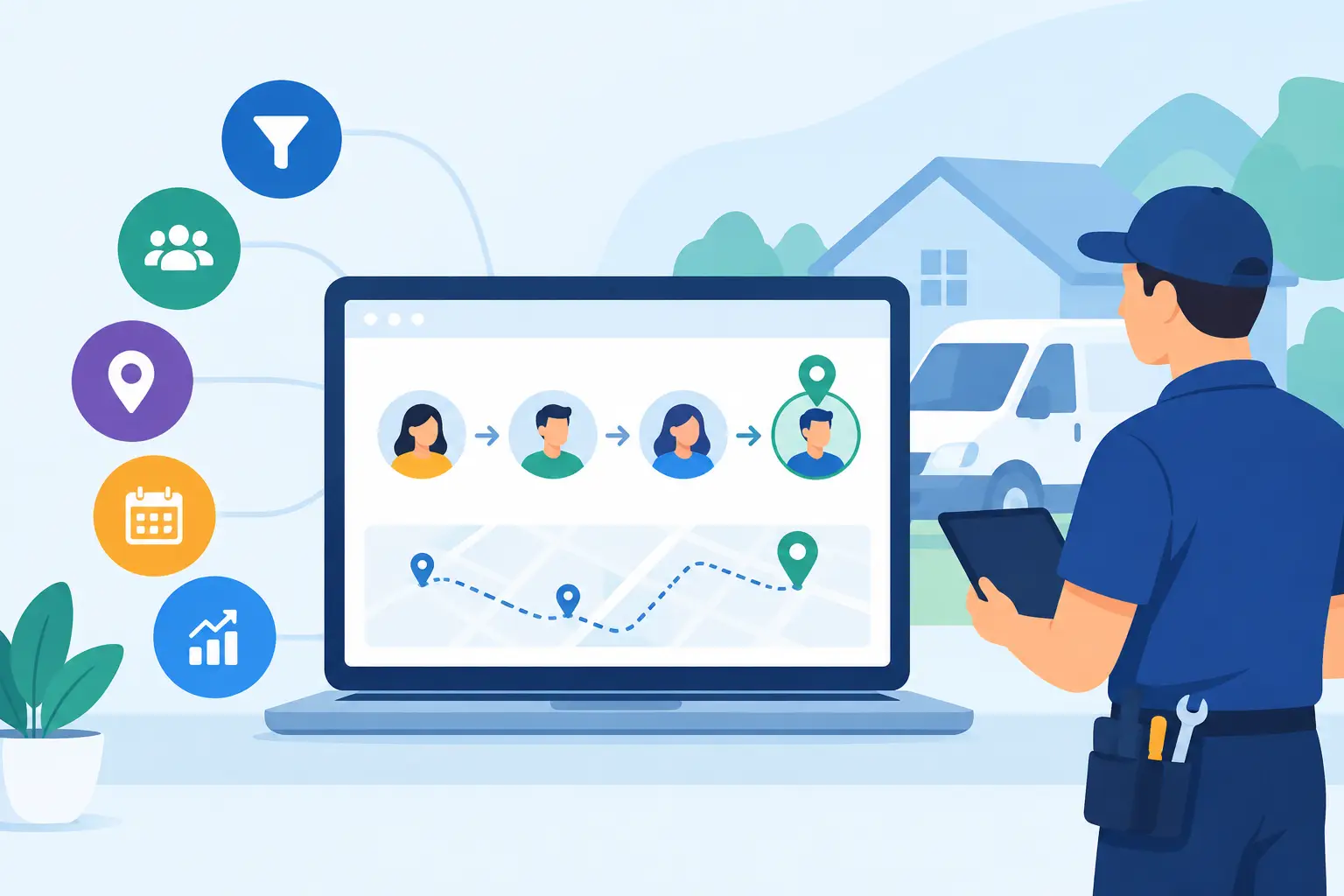
A lead that calls your office, fills out a form, and then disappears into a spreadsheet is not a lead-generation system. It is an expensive guessing game. The best lead tracking tools show exactly where calls, forms, texts, chats, booked estimates, and closed jobs came from - so you can stop funding channels that generate activity instead of revenue.
For local service businesses, this is not a reporting preference. It is the difference between knowing that search is working and letting an agency point at clicks while your calendar stays half empty. A useful platform follows the lead from first touch through response, appointment, sale, and repeat business.
What Lead Tracking Must Actually Prove
Most marketing reports fail because they stop at the easy metric. They tell you how many people visited a site, saw an ad, or submitted a form. None of that confirms whether the inquiry was qualified, whether someone answered the phone, or whether the opportunity became a paying customer.
Real lead tracking connects marketing source data with sales outcomes. At a minimum, you should be able to see whether a lead came from Google Business Profile, organic search, paid search, referral traffic, social media, or a direct visit. You should also know the campaign, keyword where available, landing page, call recording or conversation details, response time, disposition, deal value, and close status.
That last part matters. A plumbing company does not need more tire-kickers asking for free estimates. A law firm does not need another intake form that nobody calls back. The right tool exposes leaks in the machine, whether the leak is weak traffic, a poor offer, slow follow-up, or a sales team that is dropping live opportunities.
10 Best Lead Tracking Tools for Clear Attribution
No platform is best for every operator. The right choice depends on your sales process, team size, call volume, and whether you need simple source tracking or end-to-end revenue attribution.
1. CallRail
CallRail is a strong starting point for businesses that depend on inbound phone calls. It uses dynamic phone numbers to identify the marketing source behind each call, and it gives teams recordings, transcripts, form tracking, and call tagging. For home services, medical practices, legal firms, and hospitality operators, that clarity is often more valuable than another dashboard full of web traffic.
The trade-off is that CallRail is primarily a call intelligence platform, not a full sales CRM. You still need a process for tracking whether the call became an appointment or closed job.
2. WhatConverts
WhatConverts is built for marketers and owners who want to connect calls, forms, chats, and transactions to their actual source. It is especially useful when multiple campaigns are driving leads and you need a cleaner answer than total conversion counts.
Its strength is lead-level attribution and qualification. Teams can mark leads as qualified, unqualified, converted, or lost. That makes it a practical option for businesses tired of paying for every form fill as if it had equal value.
3. CallTrackingMetrics
CallTrackingMetrics goes beyond basic call attribution with routing, conversation intelligence, and workflow automation. It fits businesses with a large inbound call load, multiple locations, or a real need to route inquiries based on service, geography, or availability.
It can be more platform than a smaller operator needs. If your office gets 25 calls a month and your team handles every inquiry personally, simpler software may produce the same business result with less setup.
4. HubSpot
HubSpot is a sensible choice when lead tracking needs to live inside a broader marketing and sales operation. It captures form fills, tracks activity, organizes contacts, assigns tasks, and gives sales teams a shared place to manage follow-up.
The upside is visibility across the customer journey. The downside is cost and complexity as your needs grow. HubSpot is valuable when someone on your team will actually maintain pipelines, properties, and automation. It becomes dead weight when it is treated like a digital filing cabinet.
5. Pipedrive
Pipedrive is for owners who need a sales pipeline their team will use. Its interface is straightforward, making it easier to see which leads need a callback, estimate, consultation, or contract. It works well for contractors, specialty service firms, and B2B operators with a defined sales process.
Pipedrive is not built as a deep call-tracking product. Pair it with a call attribution platform if phone leads are a major part of your business. Used together, you can see both where the lead came from and where it stalled.
6. Salesforce
Salesforce remains a heavyweight option for larger organizations with multiple sales teams, locations, business units, or complicated reporting requirements. It can support detailed workflows, customized objects, serious automation, and layered attribution models.
That power comes with a price. Salesforce is rarely the right first move for a 10-person local service company. If you do not have dedicated operations support or a trusted implementation partner, you can spend months building a system your staff avoids.
7. ServiceTitan
For established home service companies, ServiceTitan earns its place because it connects operational data with marketing performance. Businesses can track booked jobs, technician outcomes, revenue, and customer history in a system built around dispatch and service delivery.
It is a serious investment and a serious operational commitment. For plumbing, HVAC, electrical, and similar companies with dispatch complexity, that investment can make sense. For a smaller contractor with a simple estimate-to-invoice workflow, it may be excessive.
8. Jobber
Jobber is a more approachable field-service platform for businesses that need to manage customer requests, estimates, scheduling, jobs, and payments without enterprise-level overhead. Landscapers, cleaners, painters, and smaller service teams often benefit from having the operational side organized in one place.
Its marketing attribution depth is limited compared with specialized tracking tools. Use it to manage the job lifecycle, then connect it with call tracking and a disciplined source-capture process if you want accurate channel reporting.
9. GoHighLevel
GoHighLevel appeals to businesses and agencies that want landing pages, forms, text messaging, pipelines, automation, and follow-up under one roof. It can be useful for speed-to-lead, especially when an unanswered form needs an immediate text response and a booking prompt.
The danger is trying to use every feature because it exists. Poorly configured automation can create duplicate contacts, generic messages, and a customer experience that feels robotic. Keep the build focused on one goal: get qualified prospects to a real conversation faster.
10. LeadSquared
LeadSquared is designed for teams with high lead volume, defined sales stages, and a need for strong lead distribution and follow-up controls. It can be a fit for education, financial services, healthcare, and multi-location businesses where fast response and team accountability matter.
It is more process-heavy than a basic CRM. That is helpful if your operation is disciplined. If it is not, the platform will not fix the underlying problem of unanswered calls and neglected follow-ups.
How to Choose Among the Best Lead Tracking Tools
Start with the failure you need to fix. If you cannot tell which marketing channel drives calls, prioritize CallRail, WhatConverts, or CallTrackingMetrics. If your team loses track of estimates and callbacks, prioritize Pipedrive or HubSpot. If dispatch, booked jobs, and revenue reporting are the real mess, look at ServiceTitan or Jobber.
Then ask a harder question: can your office staff use it every day? The best tracking setup is not the one with the longest feature list. It is the one that forces clean lead ownership, fast follow-up, honest dispositioning, and closed-revenue reporting.
Also check integration before you sign anything. Your tracking stack should connect with your website forms, Google Ads, Google Business Profile activity, booking software, CRM, and phone system where possible. Manual exports are where attribution goes to die.
Set Up the Tool Without Creating Another Reporting Problem
Software does not create accountability. Your operating rules do. Before implementation, define what counts as a qualified lead, who owns the first response, how quickly they must respond, and how closed revenue gets recorded.
Use a simple naming structure across every campaign. A campaign called Spring Promo in one system, Google Spring 2026 in another, and HVAC Special in a spreadsheet creates reporting chaos. Standardize source, medium, campaign, location, and service category from day one.
For call-based businesses, listen to a sample of recordings every week. You will quickly learn whether bad results are caused by marketing or by the person answering the phone. If callers hear a rushed greeting, get put on hold, or never receive a callback, buying more traffic just makes the waste more expensive.
Finally, review performance by qualified lead, booked appointment, and revenue - not just total leads. A channel producing 15 cheap inquiries may be worse than a channel producing five serious buyers. That is the kind of truth vague agency reporting tends to hide.
The tool you choose matters, but the discipline behind it matters more. Track every lead to a real business outcome, confront the leaks without excuses, and put more budget behind the channels that earn it.
Share this article
The featured image previews automatically when this link is shared.